A checkout checklist for a store owner's phone
Many checkout problems are small enough to miss on a large monitor. Testing on a phone puts the purchase flow under the same space and attention constraints your customers may face.
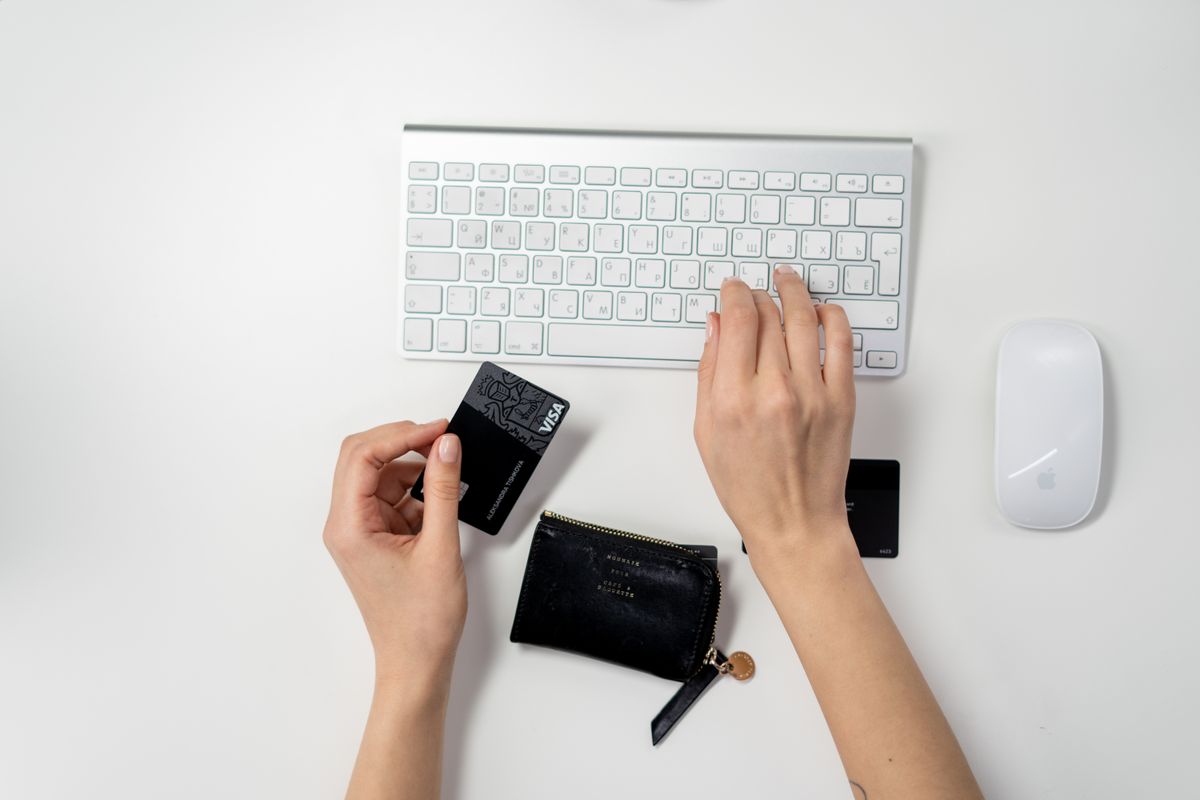
Buy like a first-time visitor
Open a fresh browser session and navigate from the homepage to a product. Choose a variant, add it to the basket and check delivery information. Use your payment provider's test mode rather than a real transaction when possible. Do not assume that a successful desktop test covers mobile behaviour.
Check the interruptions
Try an invalid postcode, a missing required field and a declined test payment. The page should explain the problem beside the relevant field and preserve information the customer already entered. Make sure buttons remain visible above the keyboard and that the final total is readable without horizontal scrolling.
Finish the journey
Inspect the confirmation page and transactional email. They should agree about the order, delivery expectations and support route. Check that a customer can find the return policy without losing the basket. Repeat after changes to themes, payment settings or shipping rules. A test order cannot prove every customer will succeed, but a short, repeatable checklist can catch expensive mistakes before they reach more shoppers.
Have a correction or a question about this article? Contact the editorial team. Read our editorial policy and disclaimer.